During the recent WordPress update, due to a bug, an old WordPress core file was not removed. This file should have been deleted automatically after the update. If such old and unused core files remain on the server, your website can become vulnerable to malware. These outdated files may invite malware injections, cause the WordPress site to malfunction, and turn the website into a hotspot for malicious activities.
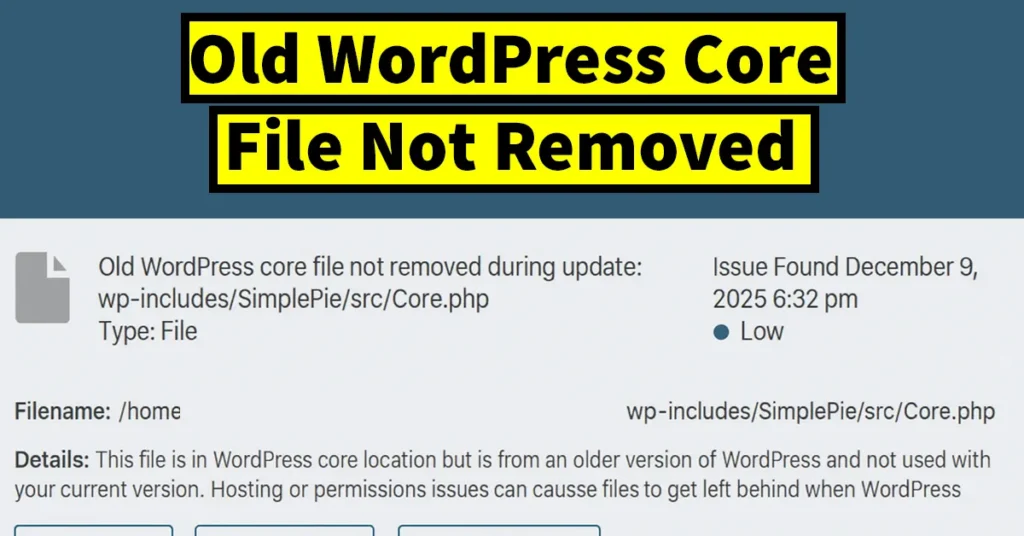
To protect your website from malware injection, it is always advisable to delete any unused core files that were not removed during a WordPress update.
But here arises an important question: How can you find out if your WordPress blog or website contains an old WordPress core file that was not removed during the update?
Table of Contents
How to Find Old WordPress Core Files Not Removed During Update
To identify old WordPress core files left behind after an update, follow these steps:
Install the Wordfence plugin on your WordPress website.
In the Wordfence menu, click on Scan.
Set the Scan Type to High Sensitivity.
Save the changes, and then return to the Scan page.
Click on Start New Scan to begin scanning your website.
Allow the scan to complete.
Once the scan is finished, if the results show something like: “Old WordPress core file not removed during update: wp-includes/SimplePie/src/Core.php”, it means this issue exists on your website.
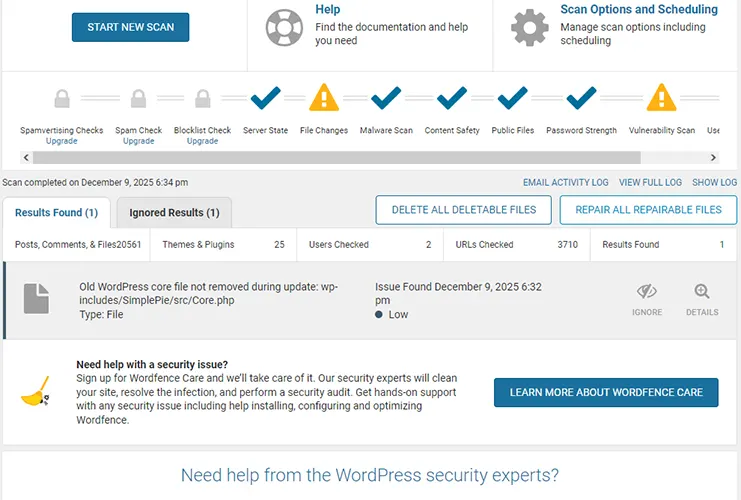
If you click on Details, you will also find the following explanation:
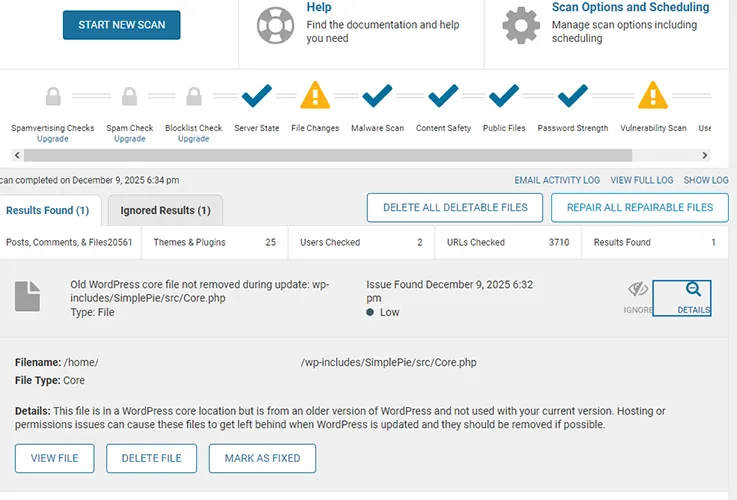
“This file is in a WordPress core location but is from an older version of WordPress and not used with your current version. Hosting or permissions issues can cause these files to get left behind when WordPress is updated and they should be removed if possible.”
Since this file belongs to an older version and is not used by your current WordPress installation, it is safe to delete it.
How to Delete Old WordPress Core Files Not Removed During Update
To delete the old WordPress core file, follow these steps:
From the scan results, click on Details next to the flagged file.
Click on the Delete File option.
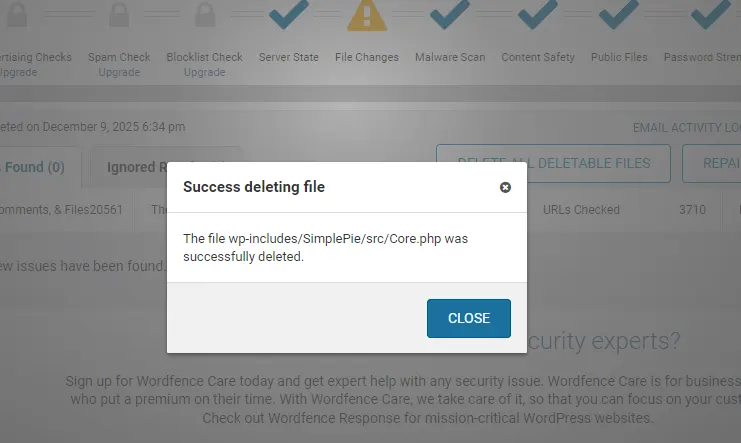
Wordfence will successfully delete the file (e.g., wp-includes/SimplePie/src/Core.php), and a popup will appear confirming the deletion.
Click the Close button.
Your website is now free from related risks or threats.
To confirm that the file has been successfully deleted, you can run another scan. This time, you should no longer see the result indicating Old WordPress Core File Not Removed During Update.

Leave a Reply