If you are looking for a way to download your marriage certificate online in Karnataka, you can do it through the Kaveri Online Services portal. Whether you need the certificate for a passport, visa, Aadhaar update, bank account, insurance claim, property registration, or any other official purpose, the Karnataka Government allows you to apply for and download a digitally signed certified copy without visiting the Sub-Registrar Office in many cases.
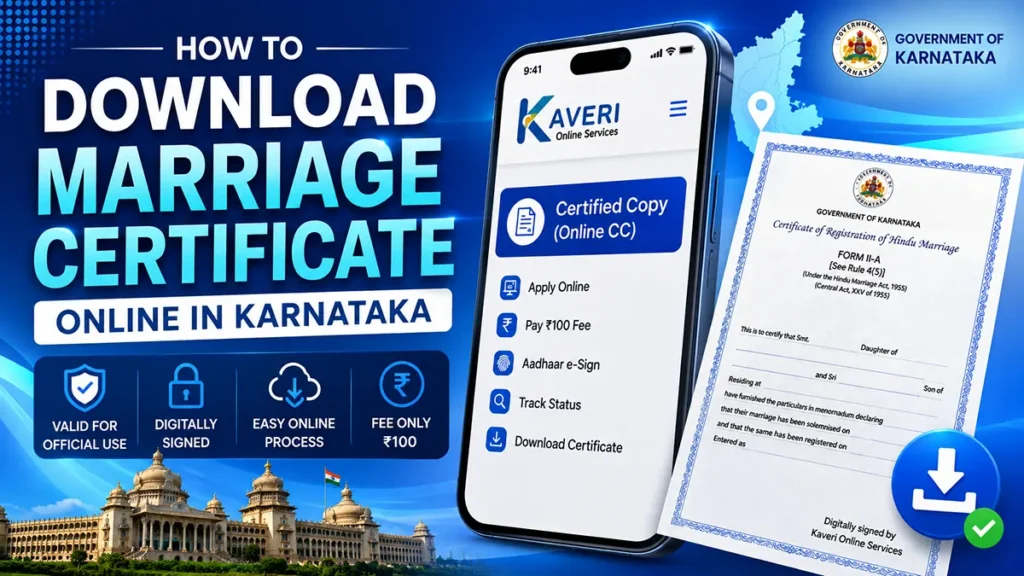
In this guide, you’ll learn the complete step-by-step process to apply, e-sign, track the application, and download the marriage certificate PDF online.
Table of Contents
What is Kaveri Online Services?
Kaveri Online Services is the official online portal of the Department of Stamps and Registration, Government of Karnataka. It provides several online services, including:
- Marriage Certificate Certified Copy
- Property Registration Services
- Encumbrance Certificate (EC)
- Certified Copy (CC)
- Document Search
- Various Registration Services
If your marriage has been registered in Karnataka, you can request a digitally signed certified copy through this portal.
Who Can Download a Marriage Certificate Online?
You can apply if:
- Your marriage was registered in Karnataka.
- You know the marriage registration details.
- You have access to the registered mobile number for OTP verification.
- You can complete Aadhaar e-Sign authentication.
Documents Required
Before starting, keep the following ready:
- Marriage Registration Number
- Registration Year
- District
- Sub-Registrar Office Name
- Aadhaar Number (Bride or Groom)
- Registered Mobile Number
- Internet Banking, UPI, Debit Card or Credit Card for payment
How to Download Marriage Certificate Online in Karnataka
Open your preferred browser and search for Kaveri Online Services.
Open the official Karnataka Government website.
If you’re a new user Create a new account.
Existing users can simply login by entering username, password, solve the CAPTCHA and click on login button
A one time password will be sent on your registered mobile number, enter the same and click on login button
After successful login, you’ll reach the dashboard.
Click Start a New Application
Then choose Certified Copy (Online CC)
Read the prerequisite information and continue.
From the popup presented choose whether the marriage was registered:
- After 01/01/2004
- Before 01/01/2004
Select the correct option and proceed.
From the search option displayed select Standard Search
Then Select and Fill in all required information such as:
Document Type Select Marriage Registration
Marriage Type Choose the applicable option:
- Hindu Marriage
- Special Marriage
- Special Other Marriage
Select Other Details like District, Sub-Registrar Office
Enter Last 5 digits of Marriage Registration Number and select Registration Year
And Click Search.
If the details are correct, a preview of your marriage certificate will appear.
This preview is displayed only for verification purposes.
If the certificate is blank or Wrong information appears or No record is found Do not continue.
Verify your details first.
If everything is correct Tick both declaration checkboxes and Click Proceed.
The application summary page will appear.
The current fee for obtaining a digitally signed marriage certificate is ₹100
Click Make Payment
Choose your preferred payment method and complete the transaction.
Once payment is successful, Download the Challan Receipt and Save it for future reference.
This is the step many applicants miss.
Without completing e-Sign, your application may not proceed.
Open the CC Applications section.
Click E-Sign
Now Enter Aadhaar Number (Bride or Groom)
Click Get OTP
Enter OTP
Accept the consent and click Submit
After successful authentication, click Submit again.
Your application will now be forwarded to the concerned Sub-Registrar Office.
You will also receive a Sakala Number.
Save this number for future reference.
The certificate is not issued immediately.
Initially, the status may show:
- Allocated to FDA/SDA
- Under Process
- Sent to SRO
This is normal.
Processing usually takes a few days.
You’ll also receive SMS updates whenever the application status changes.
Although it varies depending on the Sub-Registrar Office, applications are generally processed within a few working days. Keep checking the application status or wait for the SMS notification.
Once the application is approved
Login to Kaveri Online Services.
Go to CC Applications
If the status says Application Digitally Signed by SRO, You’ll see Download Signed CC Click it.
Your marriage certificate will be downloaded in PDF format.
The digitally signed certificate usually contains two pages and can be printed whenever required.

Leave a Reply