CloudPanel is one of the best free control panels available. However, to stay secure, you should always update it to the latest version so your website doesn’t get affected by security threats. Keeping CloudPanel updated is necessary if you want to stay protected from any vulnerabilities.
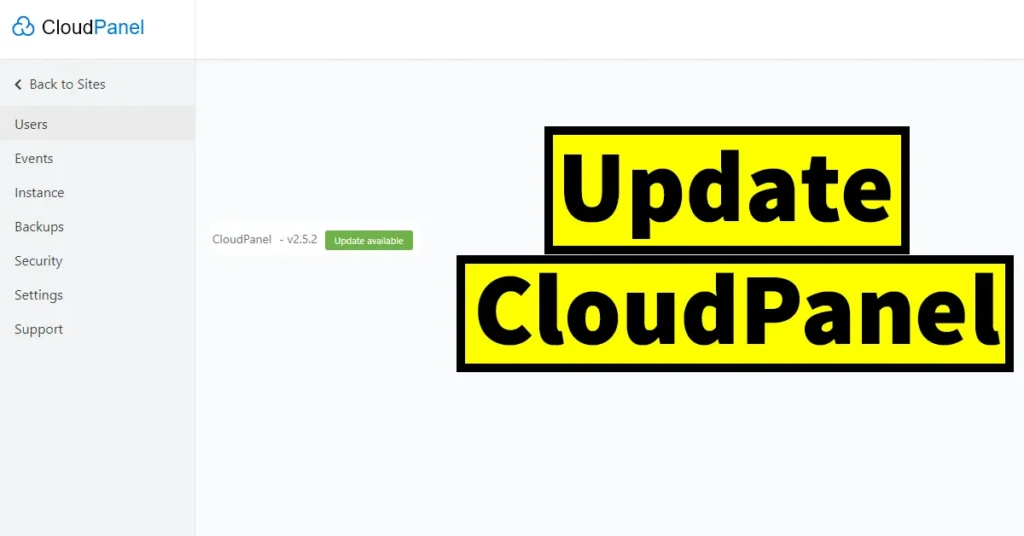
CloudPanel regularly releases updated versions that improve features, fix bugs, and strengthen security. But do you know the correct way to update CloudPanel to the latest version, and how to check if a new CloudPanel version is available?
Currently, CloudPanel does not provide an auto-update option. This feature may be added in the future. For now, the update must be done manually because an automatic update without taking a backup could cause data loss if any bugs exist. The benefit of keeping the update option manual is that users can take a backup of their data before performing the update.
Table of Contents
How to Check for a CloudPanel Update
Now let’s learn how to check whether a new CloudPanel update is available for you.
Log in to your CloudPanel.
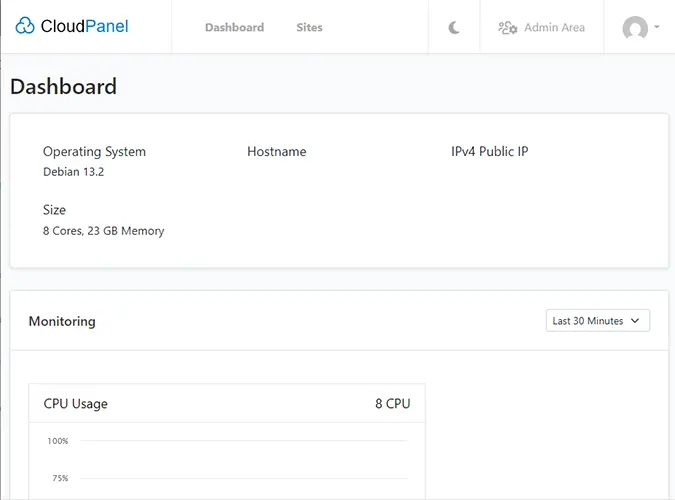
Click on the Admin Area.
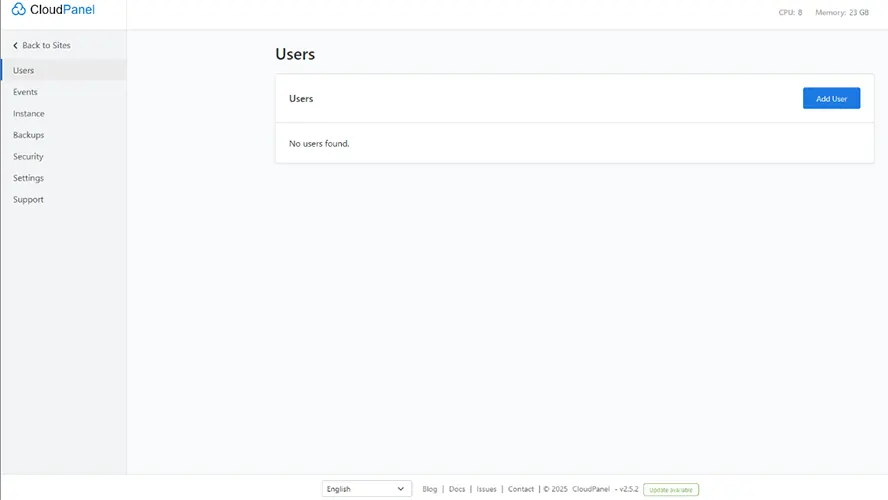
Once you are on the Admin Area page, scroll to the bottom where you can see the current CloudPanel version running.
If you see “Update available” next to the version number, it means a new CloudPanel version is available and you can update to it.
How to Update CloudPanel
Before updating CloudPanel, make sure you take a backup of your data.
You can do this by:
Going to the Admin Area,
Clicking on the Backups tab,
Taking a backup as per your preferred option.
Although updating to the latest version normally won’t delete your data, if there is any bug in the new update and your data gets corrupted, your backup will save you from unnecessary hassles.
Steps to Update CloudPanel
After taking the backup, open PuTTY (you can download PuTTY from its official website).
In the PuTTY configuration, enter your Host Name and click the Open button.
If you have configured SSH, log in accordingly.
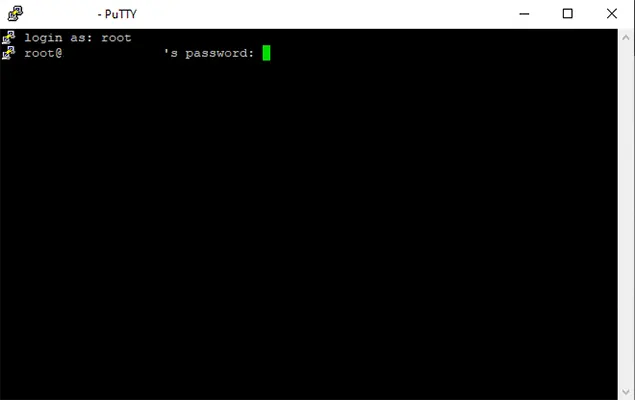
Log in as root.
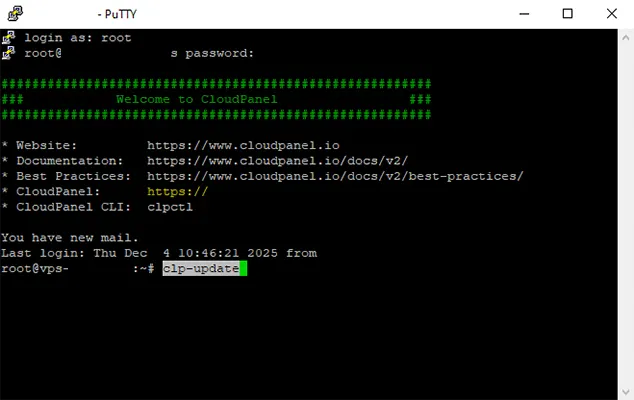
Run the following script:
clp-update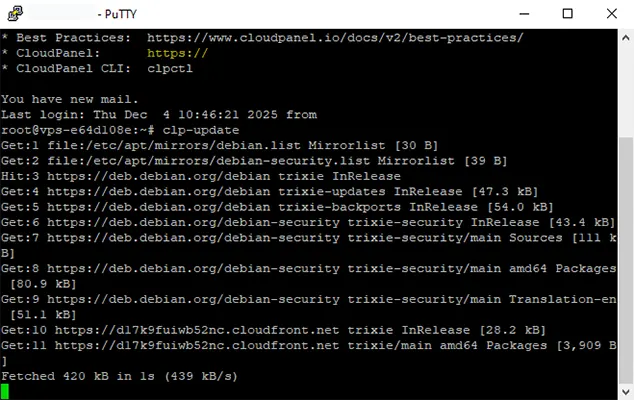
This will start updating CloudPanel, which may take a few minutes to complete.
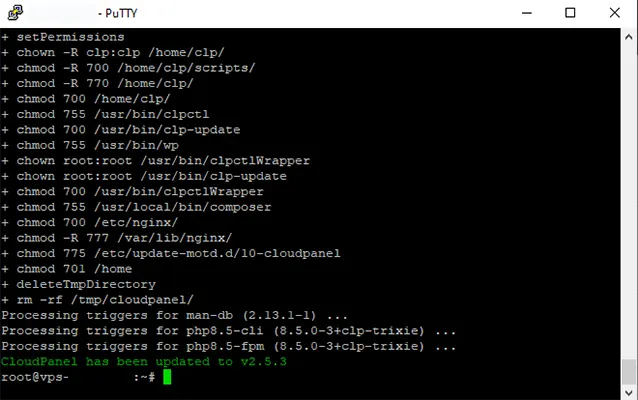
Once finished, you will see a message saying CloudPanel has been updated to version X.X.X.
To confirm that CloudPanel has been updated Log in to CloudPanel from your browser.
Go to the Admin Area.
Scroll to the bottom of the page and check the version number.
You will no longer see “Update available”, which means your CloudPanel is now up to date.
That’s it! This is how easily you can update CloudPanel.

Leave a Reply